Install Smartgit In Ubuntu Without Apt Get
Apt-get is great package manager in Ubuntu, a convenient tool to use for installing and removing apps. However, sometimes you need to install something by downloading the package from the source, maybe because has the brand new version and… you need it. Let’s say that we want to install SmartGit, a very handy git app for ubuntu. First, we need to download it from: 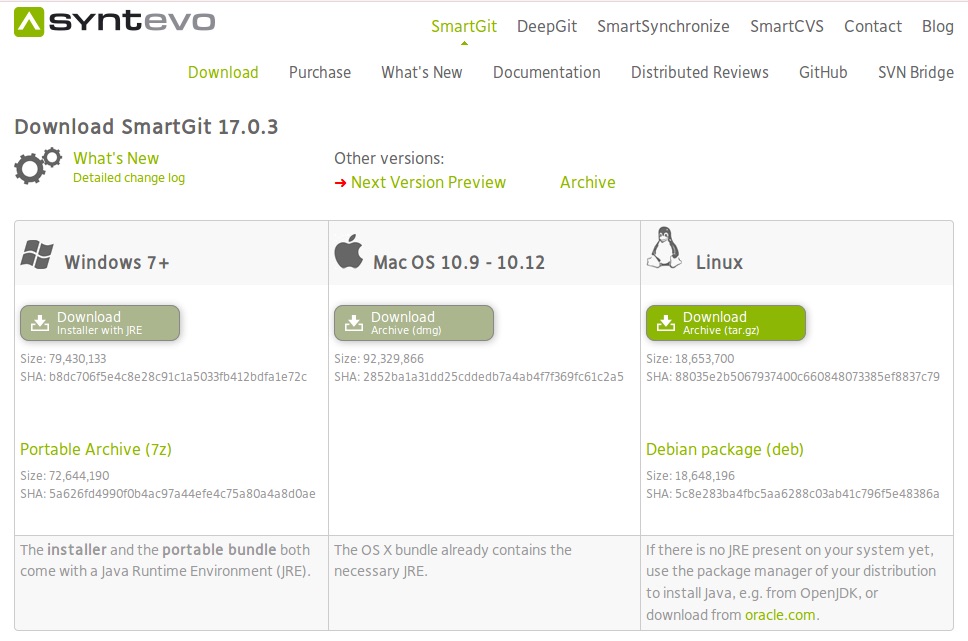 http://www.syntevo.com/smartgit/download then save the file in your Downloads folder.
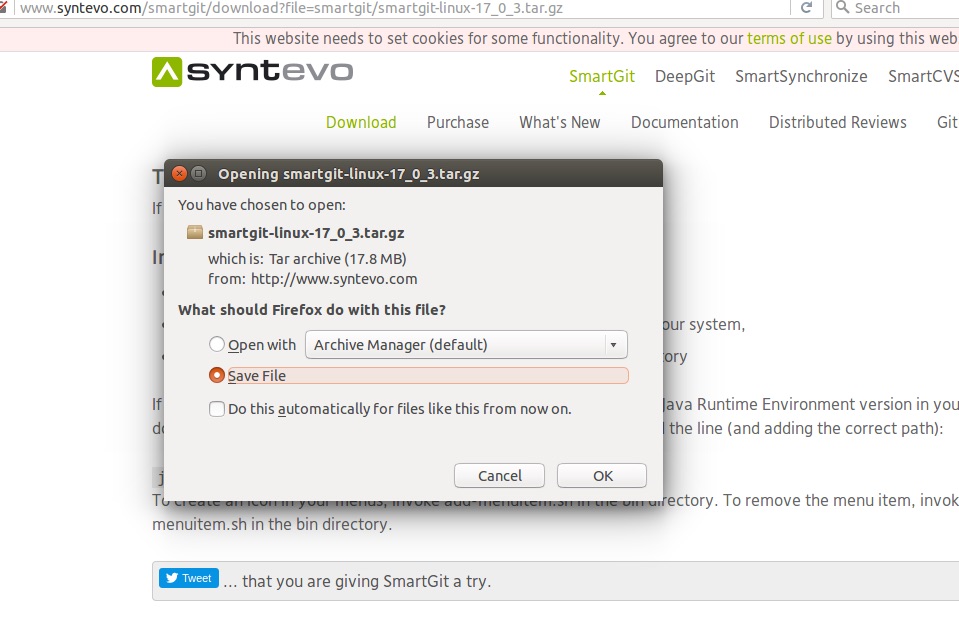 Let’s go there, unzip it and copy it directly to you opt folder. Please use:
sudo tar xvzf smartgit-linux-17_0_3.tar.gz -C /optThen you need to make it executable (opt folder located in your root space, user doesn’t have permissions) and accessible from to terminal, how? Change to the folder that contains the executable file: cd /opt/smartgit/bin/and then sudo chmod +x smartgit.shFinally, add a symbolic links to the commands in a directory already in PATH (echo “$PATH”) sudo ln -s /opt/smartgit/bin/smartgit.sh /usr/local/binThat’s it! Now open a new terminal window and just type smartgit - everything is there waiting for you!